
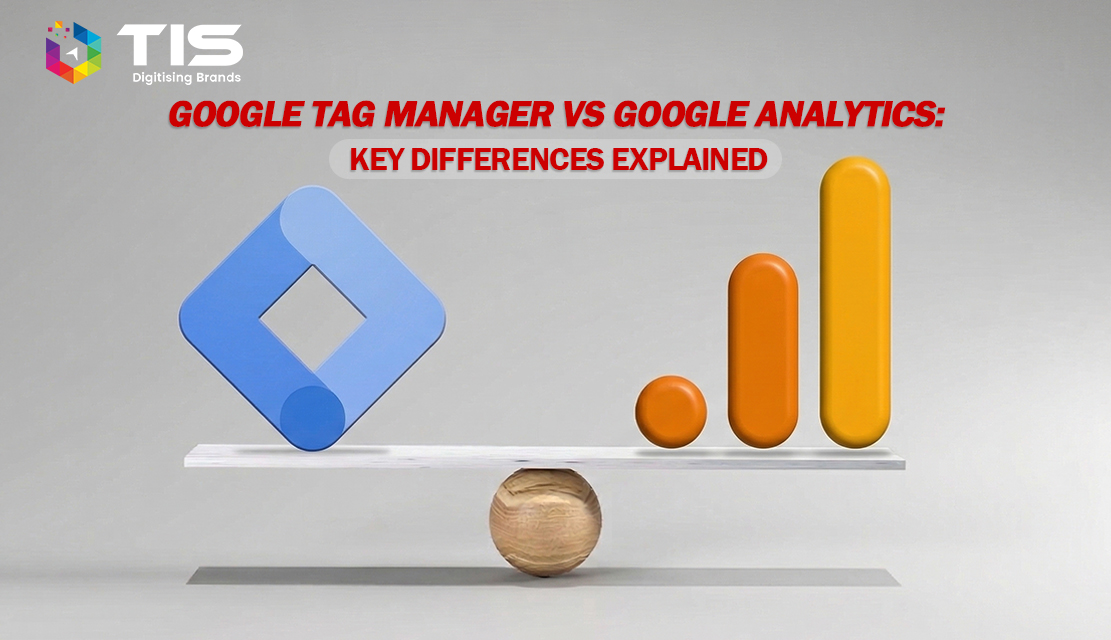
Marketing and analytics teams often confuse Google Tag Manager and Google Analytics because both live inside the Google measurement stack and both deal with website data. They are not the same tool, and treating one as a substitute for the other creates blind spots in reporting, slower site performance, and broken attribution. This guide breaks down what each platform actually does, how they work together, and when your business needs one, the other, or both. By the end, you will know which tool drives which outcome and how to structure your setup for clean, decision-ready data.
Google Tag Manager (GTM) is a free tag management system from Google. It lets you deploy and update measurement tags, conversion pixels, and tracking scripts on your website or app without editing the source code each time. Marketers, analysts, and SEO teams use GTM to fire tags based on triggers such as page views, button clicks, form submissions, scroll depth, or custom JavaScript events.
GTM does not collect or store analytics data itself. It is a delivery layer. The container snippet you install on your site acts as a controlled environment where tags from Google Analytics, Google Ads, Meta, LinkedIn, HubSpot, and dozens of other platforms can be managed centrally. As Google’s official Tag Platform documentation explains, GTM separates marketing measurement work from engineering release cycles, which is why most modern teams adopt it as their first measurement layer.
Google Analytics, now in its fourth generation as GA4, is a web and app analytics platform that collects, processes, and reports user interaction data. According to Google’s official GA4 documentation, the platform uses an event-based data model that tracks users across devices, sessions, and platforms, replacing the session-based Universal Analytics that was sunset in July 2023.
GA4 helps you answer questions such as:
GA4 stores the data, applies modeling for unmeasured users, and surfaces reports. It does not, by itself, push tags or pixels to your site.
GTM puts tags on your site. GA4 collects and reports the data those tags send.
| Parameter | Google Tag Manager | Google Analytics (GA4) |
|---|---|---|
| Primary function | Tag deployment and management | Data collection and reporting |
| Data storage | Does not store data | Stores user interaction events |
| Output | Fires scripts and pixels | Generates reports and audiences |
| Code dependency | Removes dev dependency for tracking changes | Needs GTM or hardcoded gtag.js to receive data |
| Primary users | Marketers, analysts, SEO teams | Marketers, product managers, executives |
| Cost | Free | Free (standard), paid (GA4 360) |
| Setup output | Container snippet | Measurement ID and data streams |
| Best paired with | GA4, Google Ads, Meta, LinkedIn pixels | GTM, Looker Studio, BigQuery |
Most professional setups use both. GTM acts as the dispatcher and GA4 acts as the reporting engine. A typical flow looks like this:
This pairing is why most marketing teams install GTM first and then route GA4, Google Ads, and other platforms through it. The setup keeps tracking changes auditable, supports version control, and allows tag rollback when something breaks. Industry publications including Search Engine Land’s analytics coverage consistently describe this stack as the baseline for modern measurement.
Confusing the two tools is not a vocabulary problem. It has real cost.
For enterprise and growth-stage businesses, these are not marketing inconveniences. They distort the numbers feeding board reports and quarterly forecasts.
Use Google Tag Manager when you need to:
Use Google Analytics when you need to:
In practice, the question is rarely either/or. It is how to configure both cleanly so the reports you trust actually reflect what users did.
SEO teams use GA4 to measure organic landing page performance, engaged sessions, and assisted conversions, then deploy event tracking through GTM to capture micro-conversions that signal intent. Paid media teams use GTM to fire conversion pixels for Google Ads, Meta, and LinkedIn from a single source of truth, which keeps platform reports aligned. CRO teams rely on GTM to push experiment exposure events and behavioral signals into GA4 for analysis.
If your analytics setup feels noisy or your reports do not reconcile with your CRM, the root cause is almost always in how GTM and GA4 are configured. The tools themselves are rarely the problem.
Browser-side tracking is getting harder. Third-party cookie restrictions, content blockers, and stricter consent requirements are shrinking what you can measure client-side. Server-side GTM addresses this by routing tag requests through your own infrastructure, giving you more control over what data leaves your domain and improving page speed. For regulated industries such as healthcare and fintech, this also reduces exposure during privacy audits.
TIS works with B2B and eCommerce businesses to design clean, consent-aware measurement stacks that connect GTM, GA4, and downstream platforms such as HubSpot and Salesforce. Our digital marketing services and SEO services teams configure tagging architectures that hold up to audit and scale with your campaigns. For deeper context on how analytics fuels marketing performance, read our blog on using Google Analytics to catalyse social media success.
Related article: Google Page Experience as an SEO ranking factor.
Google Tag Manager and Google Analytics solve different problems. GTM gives you control over what tracking fires on your site. GA4 gives you the reporting and modeling to act on what was fired. Used together, they form the foundation of a measurement stack that supports SEO, paid media, and revenue attribution. The businesses that get this right do not just collect more data. They make faster, sharper decisions backed by numbers they can defend.
No. Google Tag Manager is a tag deployment tool that fires scripts and pixels on your website based on triggers you define. Google Analytics is a reporting platform that collects, processes, and visualizes user behavior data. GTM controls what gets tracked, while GA4 stores and reports that data. Most professional setups use both together, with GTM acting as the delivery layer and GA4 as the analytics engine for decisions.
Yes. You can install GA4 directly using the gtag.js snippet without GTM. However, this limits flexibility. Every tracking change requires a developer to update site code. Using GTM gives marketers and analysts independent control to add events, manage consent, and deploy other pixels without engineering bottlenecks. For most growing businesses, pairing GA4 with GTM is the more scalable and maintainable long-term setup.
Install GTM first and route GA4 through it. This keeps all tags in one place, simplifies version control, and avoids the duplicate tracking that happens when GA4 is hardcoded and later added to GTM. Configure your GA4 measurement ID inside a GTM tag, set the page view trigger, and use Preview mode to confirm events fire correctly before publishing the container to production.
Properly configured, GTM has minimal impact on page speed because it loads asynchronously. Performance issues usually come from poorly written custom HTML tags, too many third-party pixels firing on every page, or missing trigger conditions. Use tag sequencing, fire non-critical tags on user interaction instead of page load, and consider server-side GTM for high-traffic sites to offload tracking work from the browser.
For most B2B sites, server-side GTM becomes worthwhile when data accuracy, page performance, or first-party data collection are priorities. It reduces reliance on browser-blocked scripts, improves load times, and gives more control over what data leaves your environment. Smaller B2B operations with simple funnels may not need it immediately, but enterprises handling regulated data or high traffic volumes see clear ROI from server-side deployment.

© 2026 TIS. All rights reserved.